Devoxx Companion
Speaker features
Introducing the New Devoxx Companion App
Our brand new Devoxx Companion app empowers attendees to favorite talks, rate sessions, and share both personal feedback and public comments. Speakers also benefit from a comprehensive suite of interaction features designed to enhance engagement with their audience. Let’s explore the tools and features available to speakers.
Explore DEVOXX APP
Authenticate & Claim Speaker Profile
You can sign in using Google OAuth or email. To claim your speaker profile, be sure to use the same email address associated with your CFP.DEV account. After signing in, go to your speaker detail page and click the Claim Speaker button.
Overview
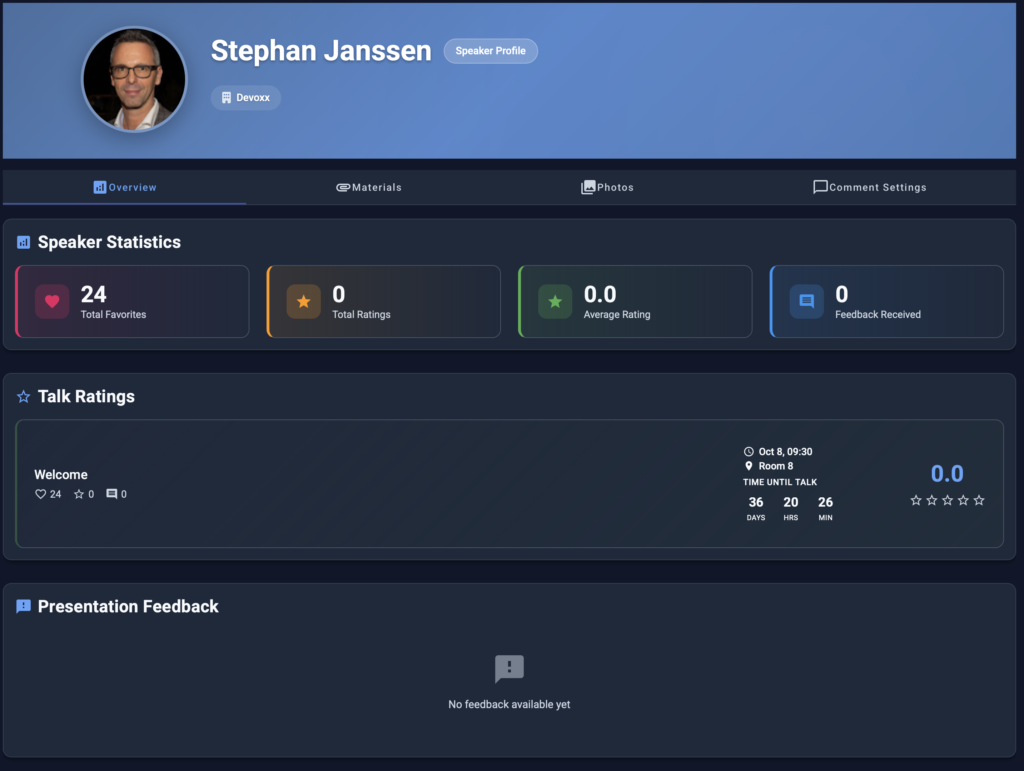
On the profile overview page, you can view your presentation statistics, such as total favourites, ratings, feedback, and schedule information. Any personal feedback will also be listed here.
Share Slides
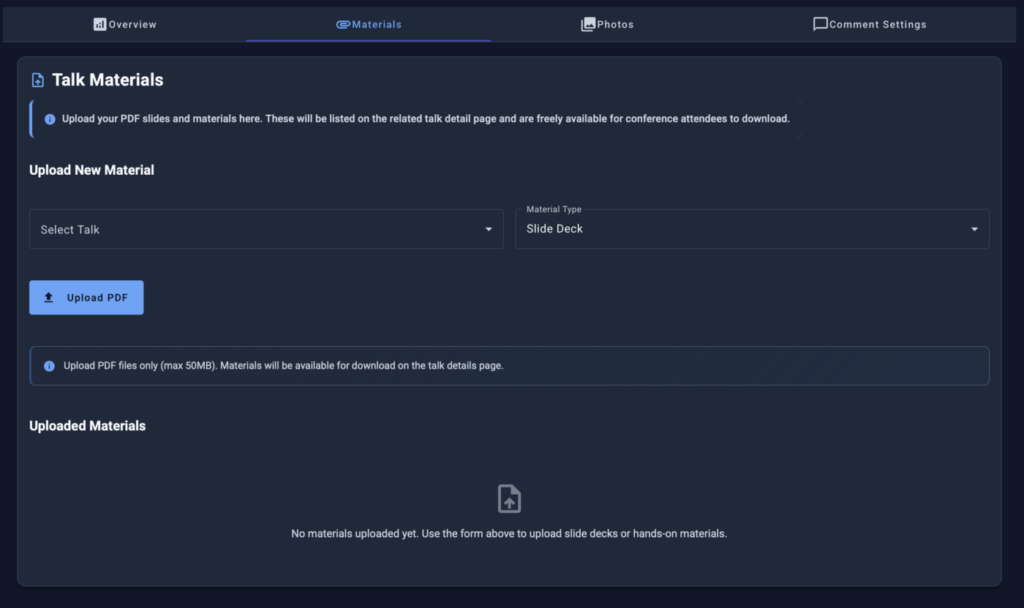
After your talk, you can upload your slide deck in PDF format. A download link will then appear on the related talk detail page for authenticated users. If you’re running a hands-on lab, you can also upload your workshop materials (PDF) ahead of time so participants can access them before the session.
Speaker Photos
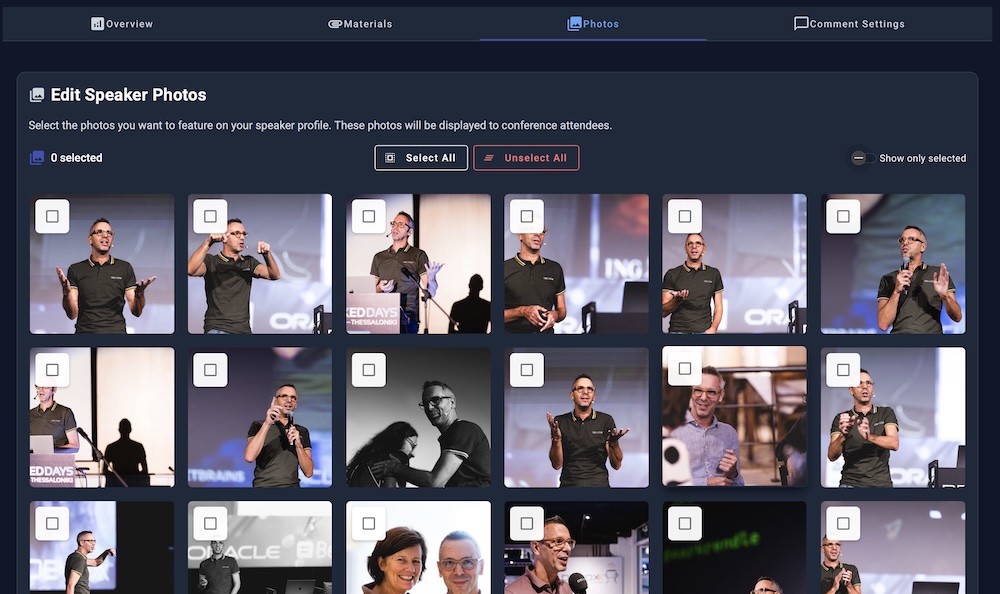
If you have speaker photos from previous Devoxx or VoxxedDays editions, this page lets you select or unselect which ones appear on your speaker profile. Since false positives can occasionally occur, you can also edit or remove photos here.
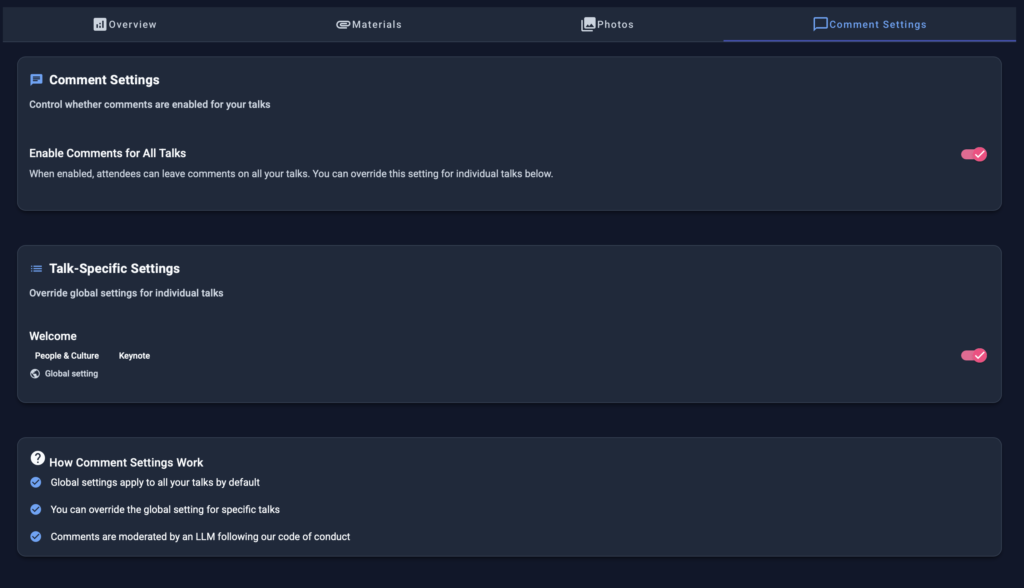
Comment
As a speaker, you can enable or disable public comments on your talk. You also have the ability to reply to public comments, allowing you to interact directly with attendees’ questions and engage in meaningful discussions about your presentation.